
Support
How can we help?
Find answers and practical guides for your CollectLah business or loyalty card.
Browse by topic
Getting started
Set up your business and launch your loyalty programme.
Loyalty & Wallet
Design cards, manage rewards and help customers use Wallet.
Business tools
Manage orders, preorders, appointments and products.
Account & team
Sign in, invite staff and manage access.
Plans & billing
Check your plan, usage and available billing options.
Plans & billing
4 questions
Using a business’s loyalty card?
Find help with your Wallet card, points, stamps or customer details.
Where are my points or stamps?
The business you joined records purchases and loyalty credit. Contact that business first so its team can check the transaction and correct the balance when needed.
I can’t add or access my Wallet card.
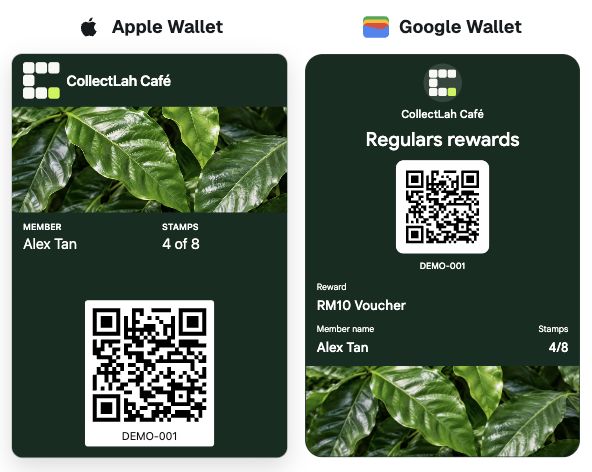
Open the card link on a compatible phone and check that you are using the correct Apple or Google account. If an error remains, email CollectLah with the business name and a screenshot of the error.
Read the Wallet guideHow do I update my customer details?
Contact the business whose loyalty programme you joined. Its authorised team can update the customer record connected to that programme.
What if I change my phone?
Open your existing private card link on your new phone and use the Wallet option shown. If the link is missing or no longer opens, contact the business for help accessing your existing membership. Ask the business to check before signing up again, so you do not create a second membership.
Where can I see my rewards?
Open the private rewards link provided after joining to view the information available for your programme. The business can confirm which rewards you are eligible for and redeem them when you show your member card.
For orders, refunds, appointment changes and reward decisions, contact the business directly. CollectLah handles platform and Wallet technical issues.